01Describe
Describe
your game.
Open your coding agent in a new project. Paste this prompt. Change the theme, goal, or controls.
Ask for one level first. Add more after the first version works.
Read the publishing skill ↗BUILD GUIDE
Build a browser game with your coding agent, then upload it here.
QUICKSTART
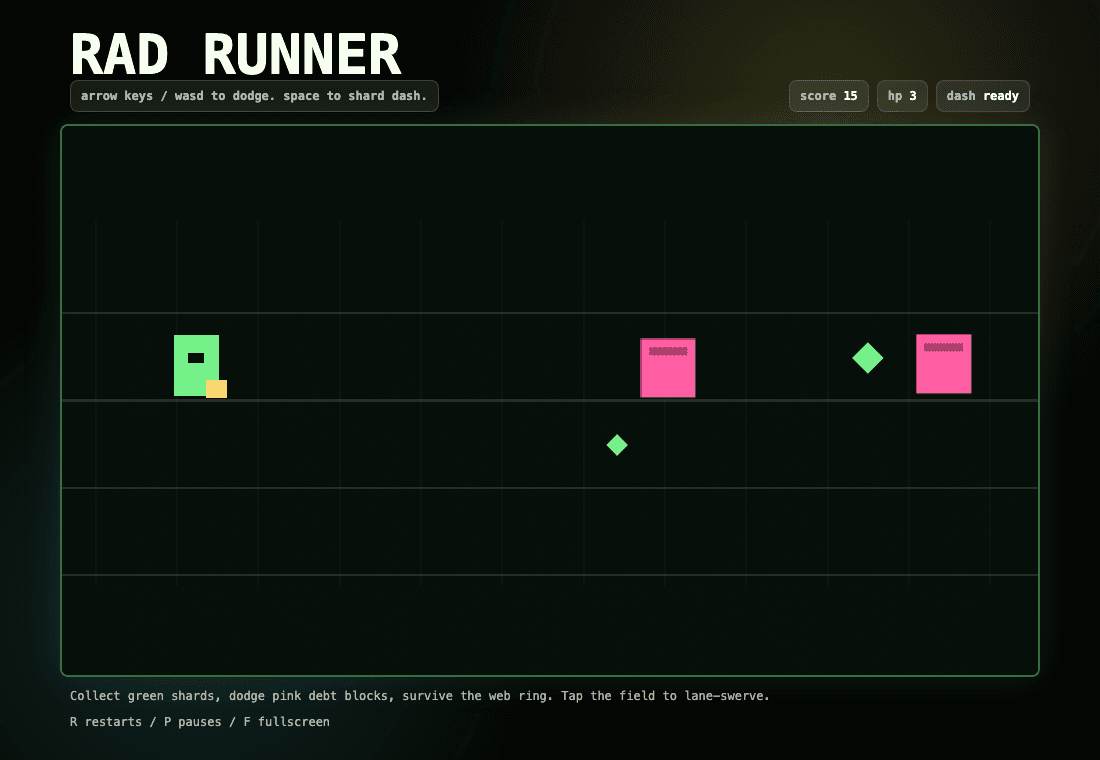
Use this prompt to build a runner, or change it for your own game.
Open your coding agent in a new project. Paste this prompt. Change the theme, goal, or controls.
Ask for one level first. Add more after the first version works.
Read the publishing skill ↗Open the local game in a browser. Test movement, scoring, and restart. Test touch controls on a phone.
Tell your agent what to change. Keep each request small.
Open the test checklist →Sign in to submit your game. Upload an HTML file or a ZIP build with index.html at the root. You can also link a game you host.
For agent uploads, create a key in your dashboard. Give your agent the publishing skill.
New games start unlisted. Share your direct game link during review. Public listing requires admin approval and public visibility. Quarantine blocks access.
Submit your game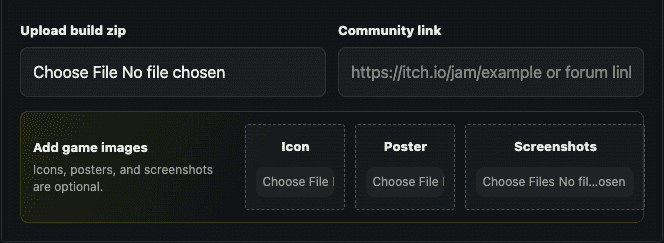
RESOURCES
Build format, testing, uploads, and review.
02 / FOR YOUR AGENTskill.mdThe full publishing and update instructions.
03 / YOUR WORKSPACECreator dashboardManage your games and create an agent key.